Vipilink Connector
The Vipilink Connector connects a Vipilink gateway to your cloud or office network without a firewall or VPN appliance. You run a small script on a Linux machine inside that network, and the machine builds an encrypted WireGuard tunnel to the gateway. Your users can then reach the subnets behind it.
Before you start
- A Linux machine in the network you want to connect, running Ubuntu 18.04 LTS or later or CentOS 7. It can be a small virtual machine in your VPC.
- The machine's public IP address. Vipilink calls it the Endpoint.
- The subnets behind the machine that users should reach, for example
192.168.10.0/24.
Add the connector
- Open your network. On the gateway card, click the ... menu and choose Add Tunnel.
-
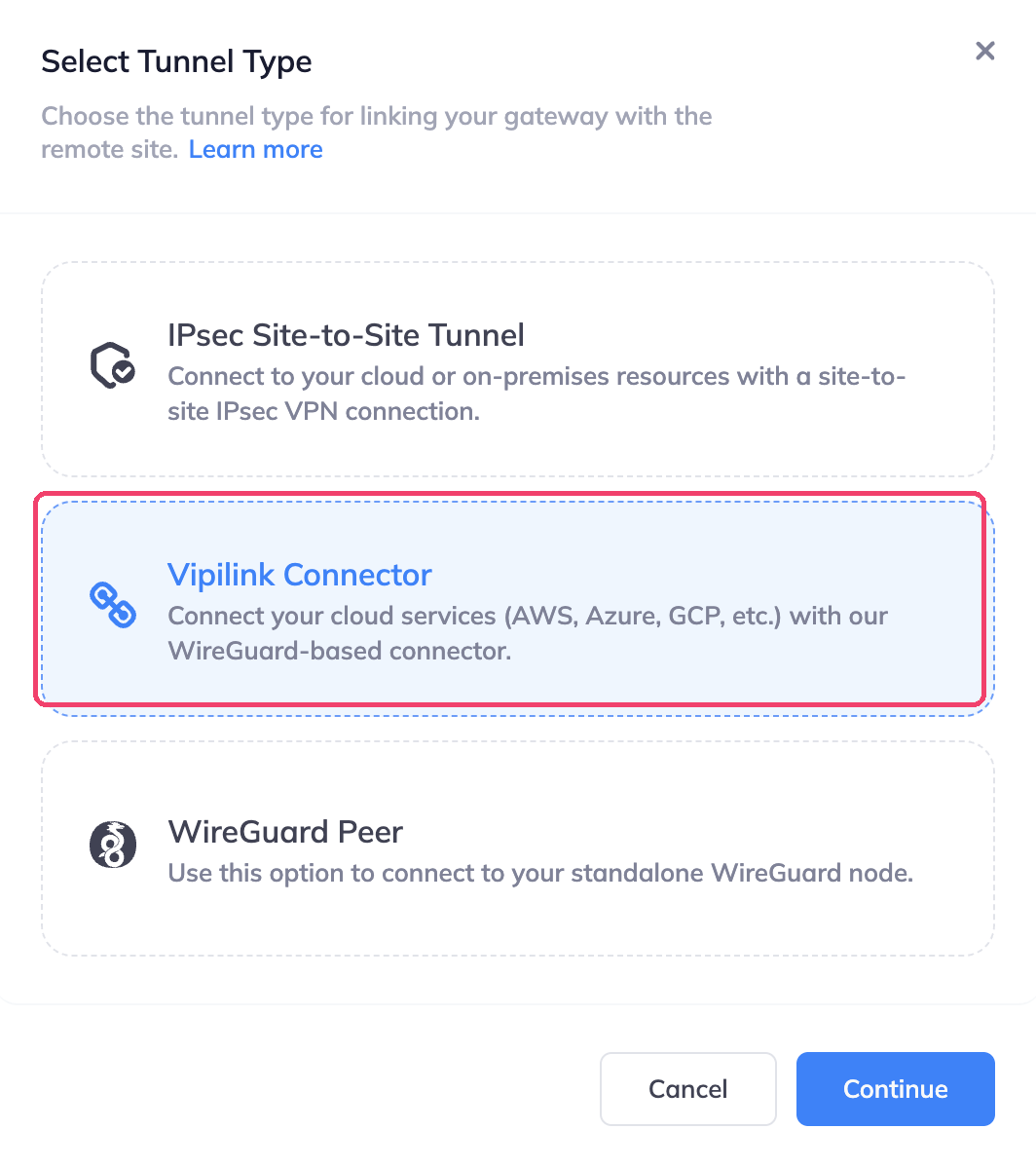
Choose Vipilink Connector and click Continue.
-
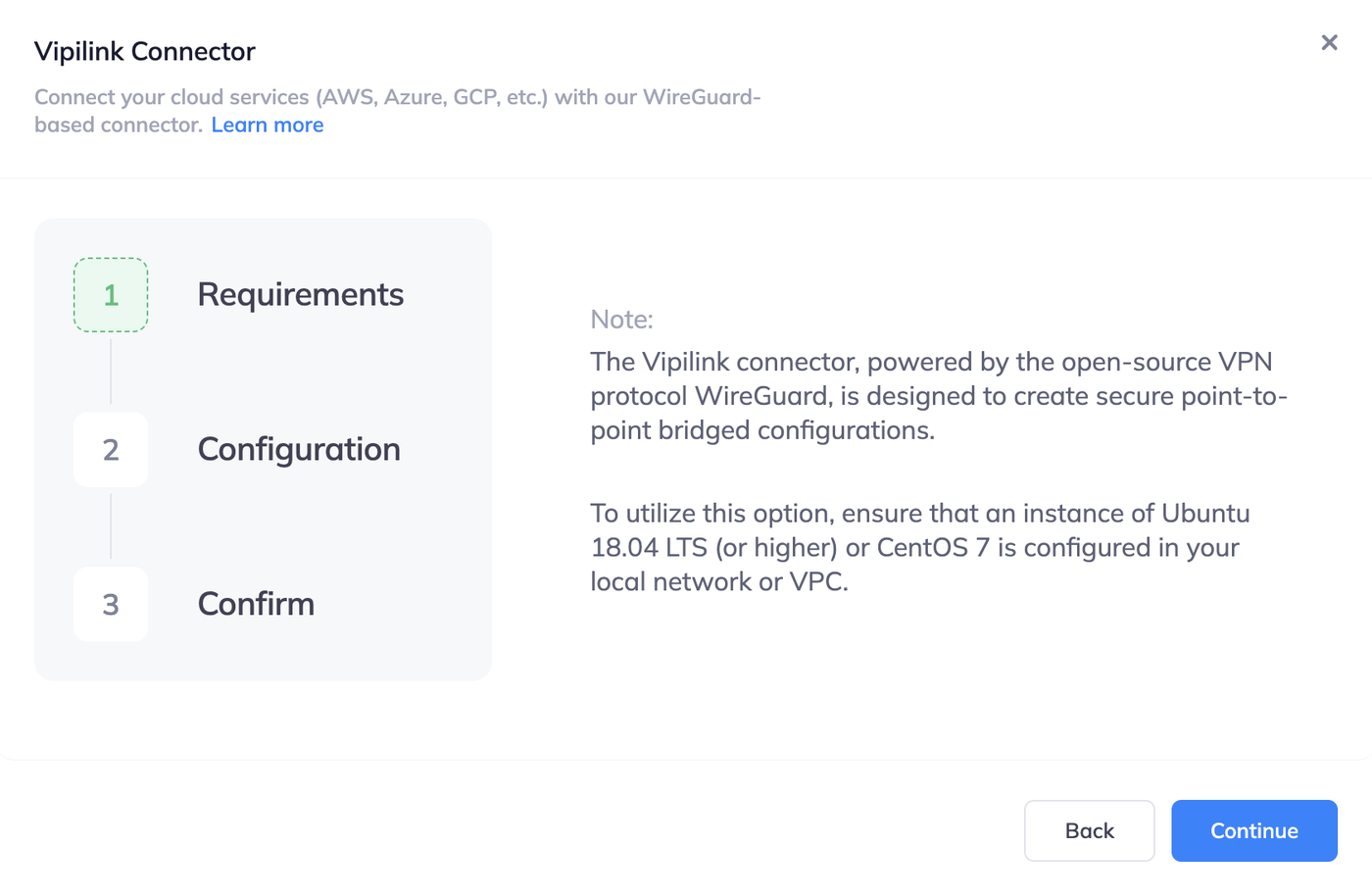
Requirements: read the note and click Continue.
-
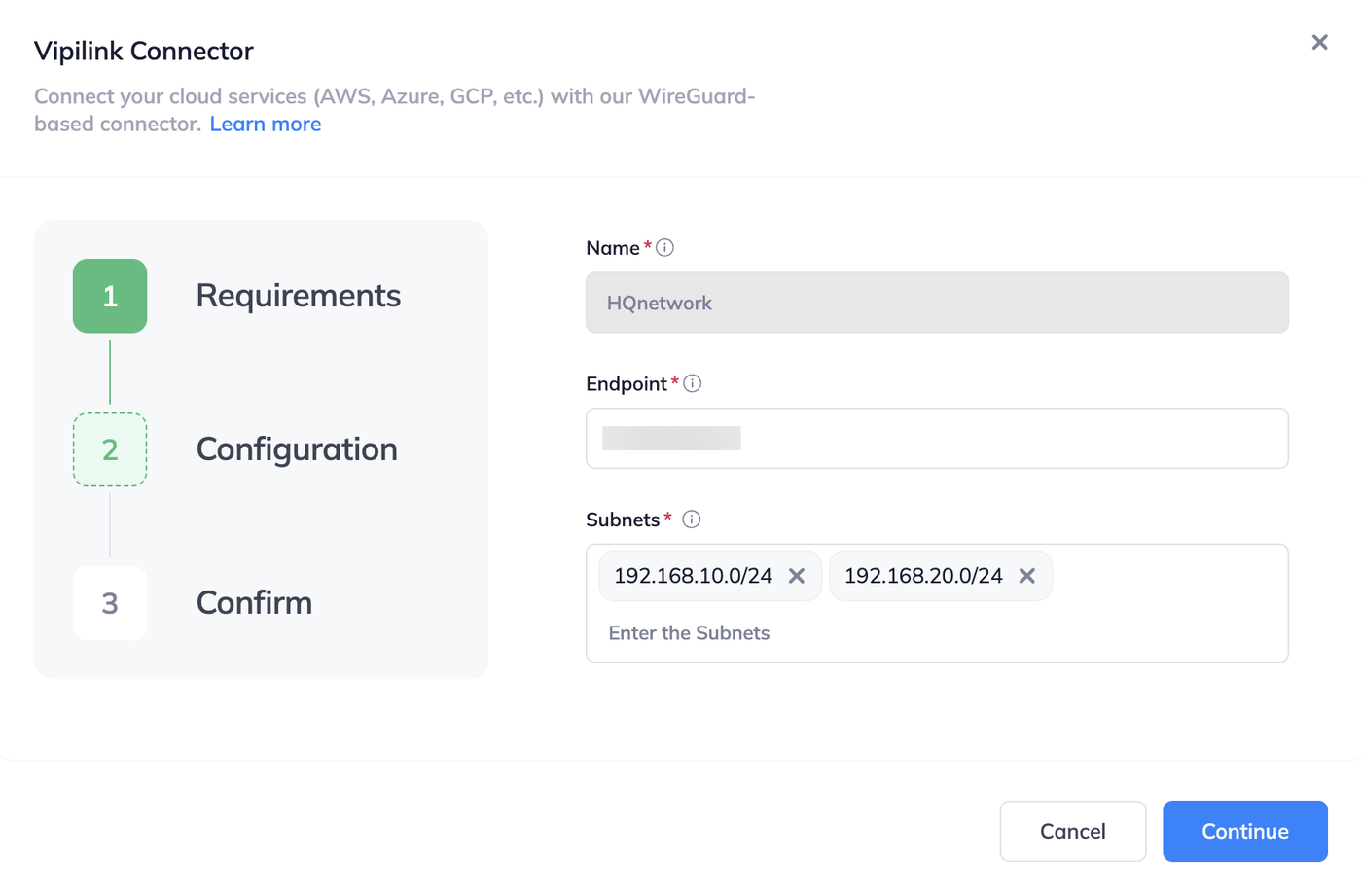
Configuration: fill in the fields and click Continue.
Field What to enter Name A name for the tunnel, for example HQnetwork.Endpoint The public IP address of the Linux machine. Subnets The subnets behind the machine. Press Enter after each one. 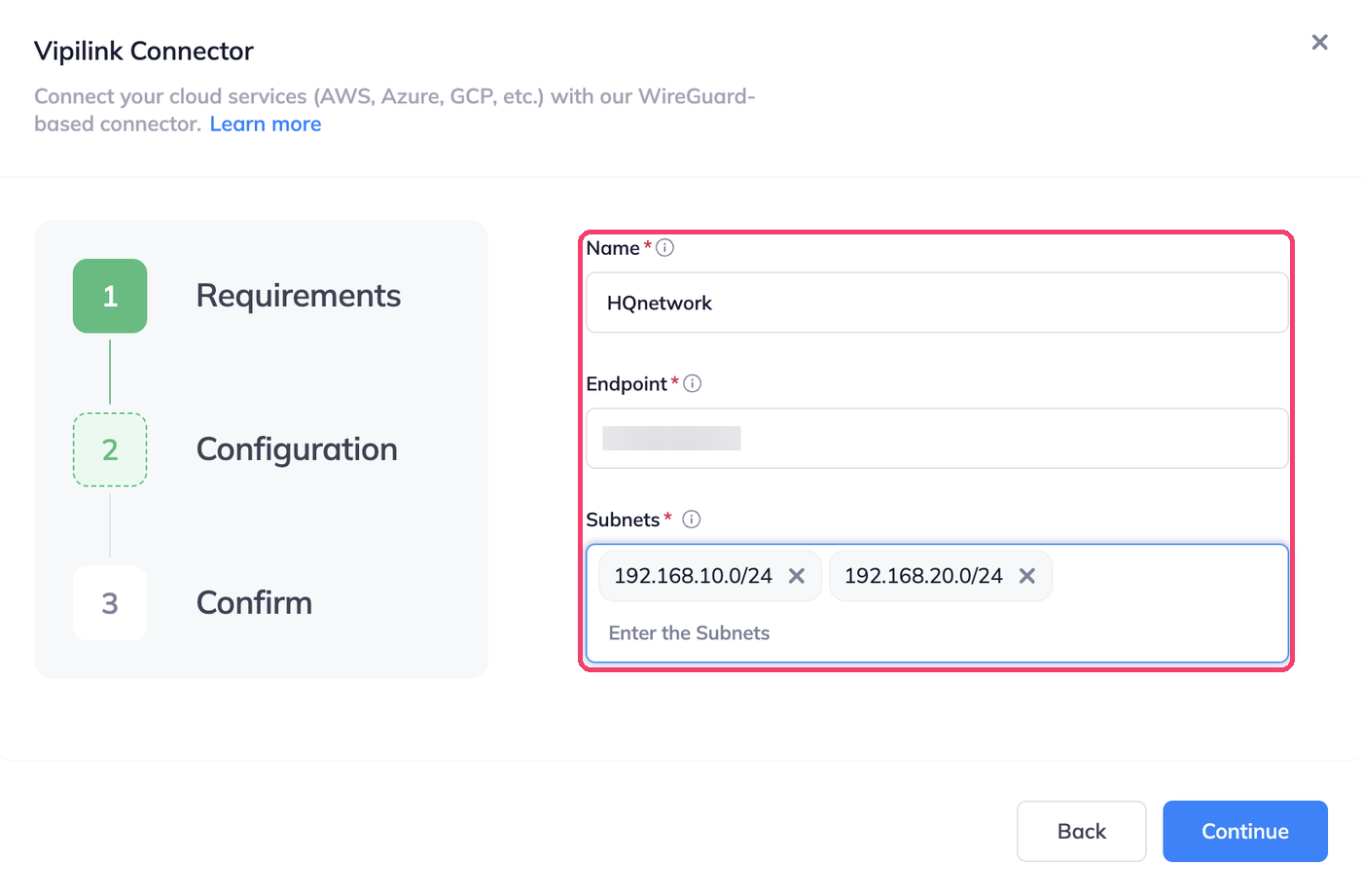
-
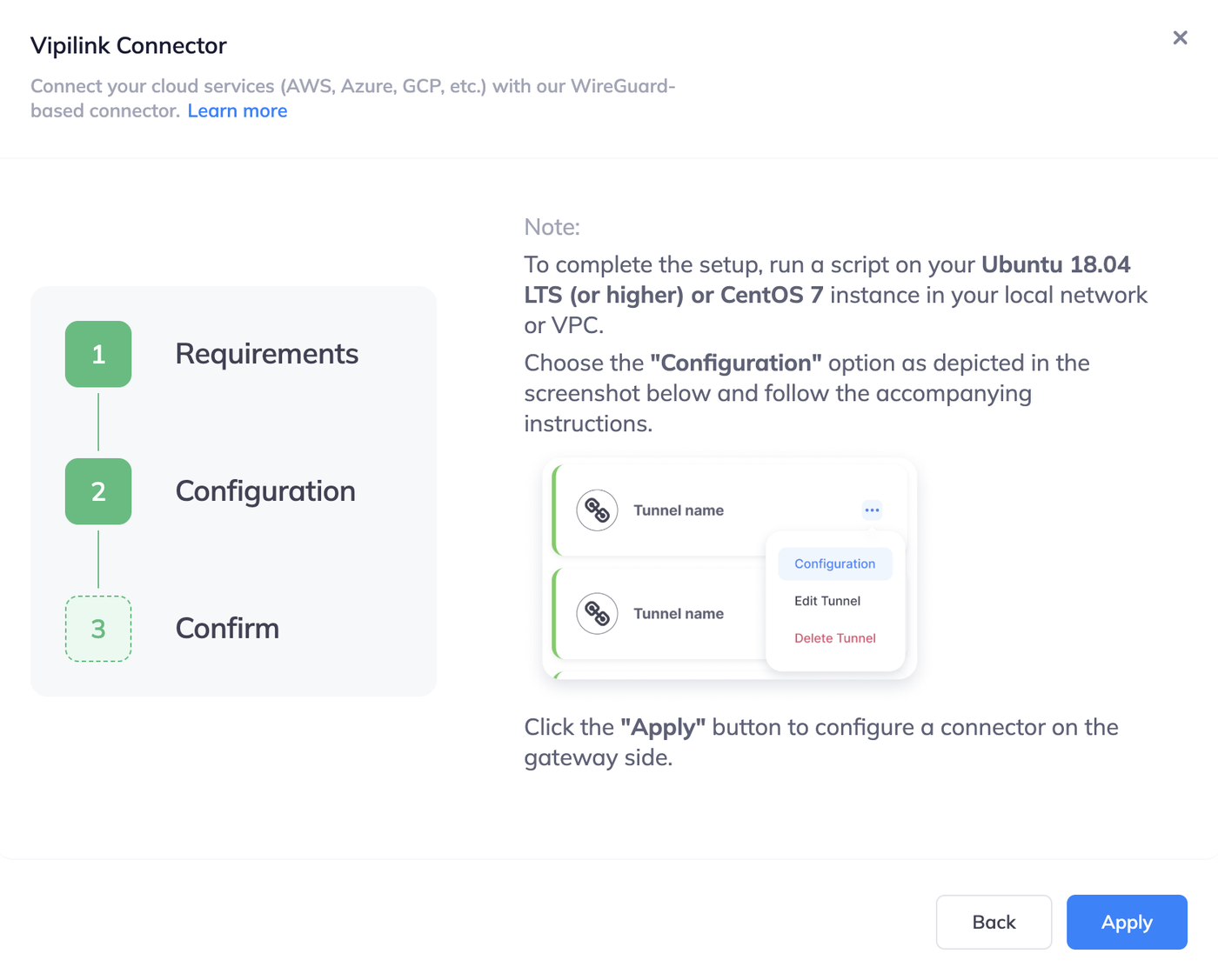
Confirm: click Apply. The tunnel card shows Deploying Tunnel for a moment.
Run the script on the Linux machine
The new tunnel shows Down until you run the script.
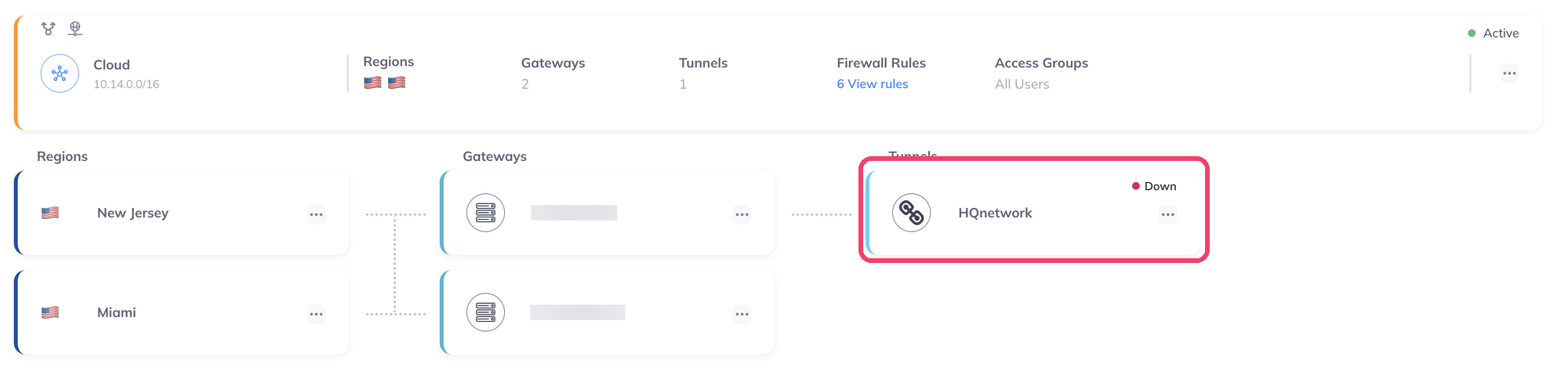
-
On the tunnel card, click the ... menu and choose Configuration.
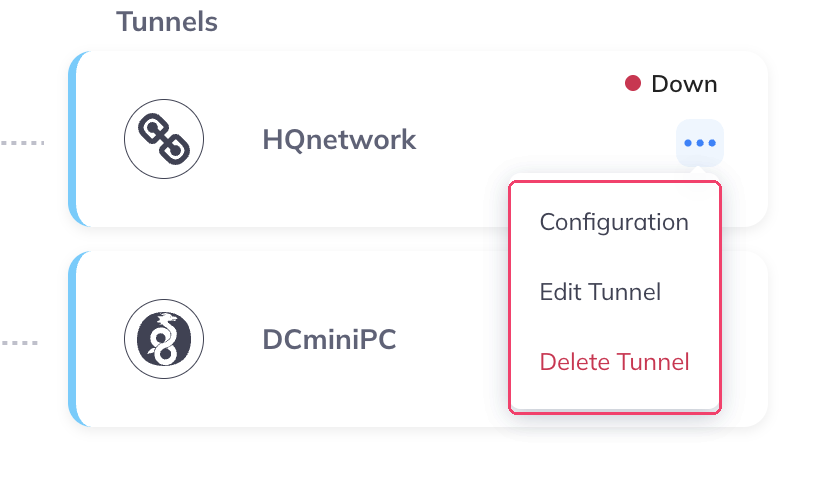
-
Click Copy Command.
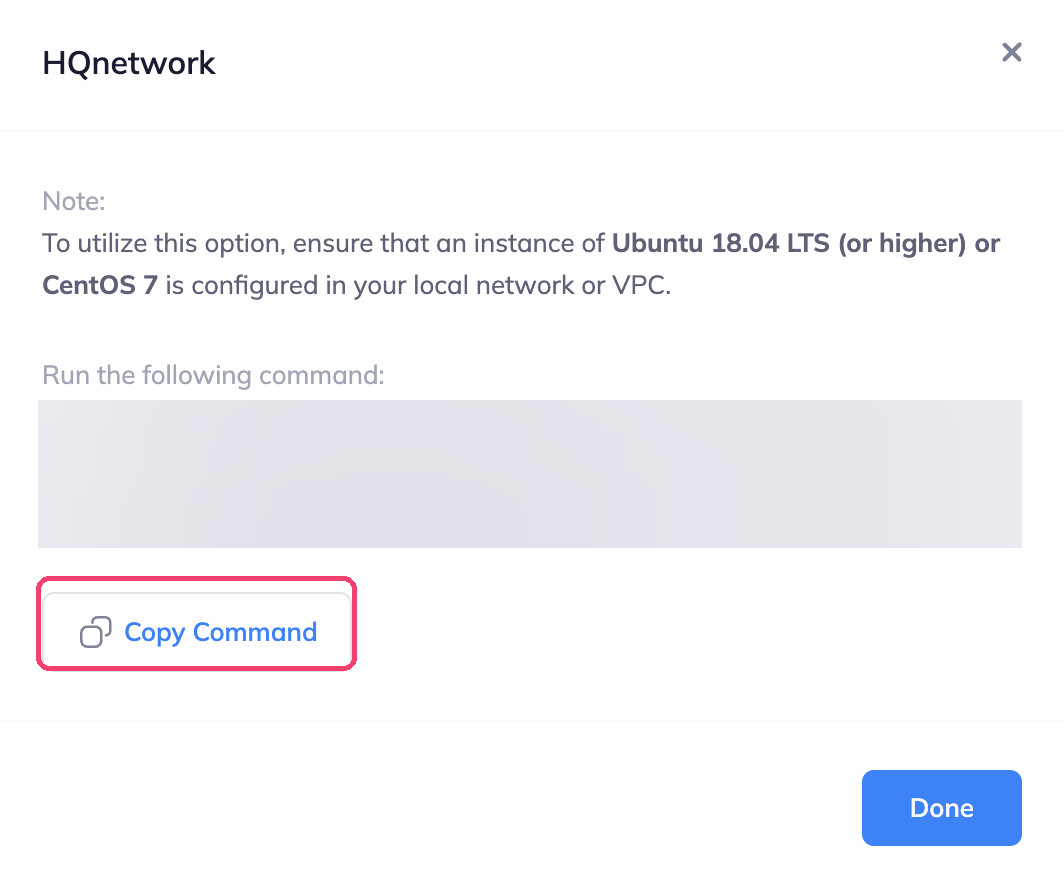
-
On the Linux machine, paste the command into a terminal and run it. It needs
sudorights. - Back in Vipilink, the tunnel card changes to Up.
Keep the command private
The command contains a unique link to this tunnel's configuration. Don't share it or paste it anywhere public.
Routes
Vipilink adds the subnets you entered to the network's route table with the type Propagated. You don't add routes in Vipilink yourself.

The devices in the remote subnets need a route back to your Vipilink network subnet through the Linux machine. Add it on the router of that network, or in the route table of your VPC with the machine as the target.
Edit or delete the connector
In the tunnel menu, click Edit Tunnel to change the endpoint or the subnets. The name can't be changed. Click Delete Tunnel to remove it.
Troubleshooting
| Problem | What to check |
|---|---|
| Tunnel stays Down | The script ran without errors. The Endpoint is the machine's current public IP. The machine's firewall or security group allows the WireGuard traffic from the Vipilink gateway. |
| Tunnel is Up but nothing responds | The remote network has a route back to the Vipilink subnet through the machine. Security groups and firewalls on the remote side allow traffic from the Vipilink subnet. Vipilink firewall rules allow the traffic. |