Groups
Groups let you give access to many people at once. Instead of adding users one by one, you add a group to a network or an application, and everyone in the group gets access. A user can be in more than one group.
Go to Team → Groups to see your groups, how many users each has, and which networks they can reach.
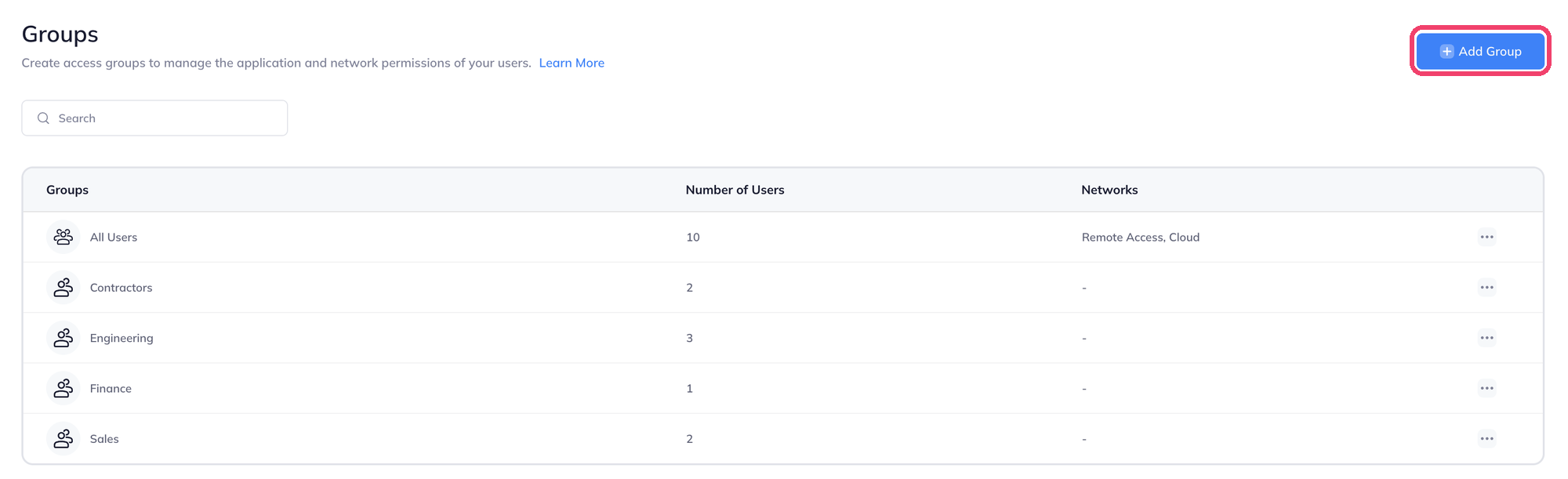
The All Users group includes everyone in your workspace.
Plan groups around access
Name groups after what people need to reach, for example Engineering, Sales, Finance or Contractors. Then use them in network access, applications and policies.
Create a group
- On the Groups page, click Add Group.
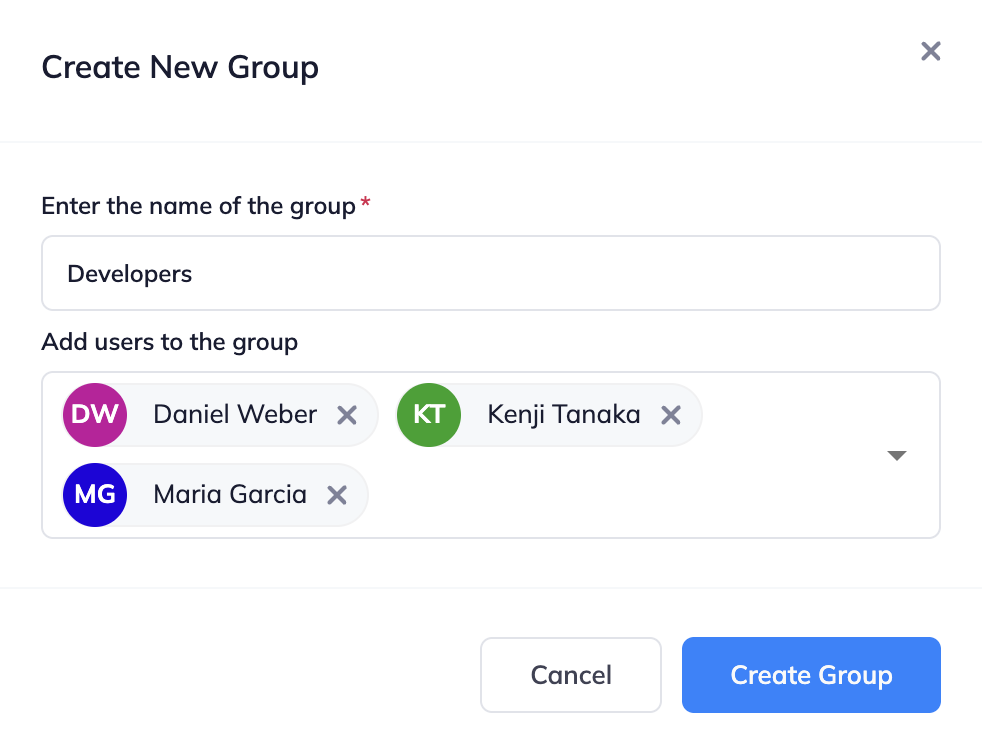
- Enter a name for the group.
- Choose the users to add. You can add more later.
- Click Create Group.
Add or remove members
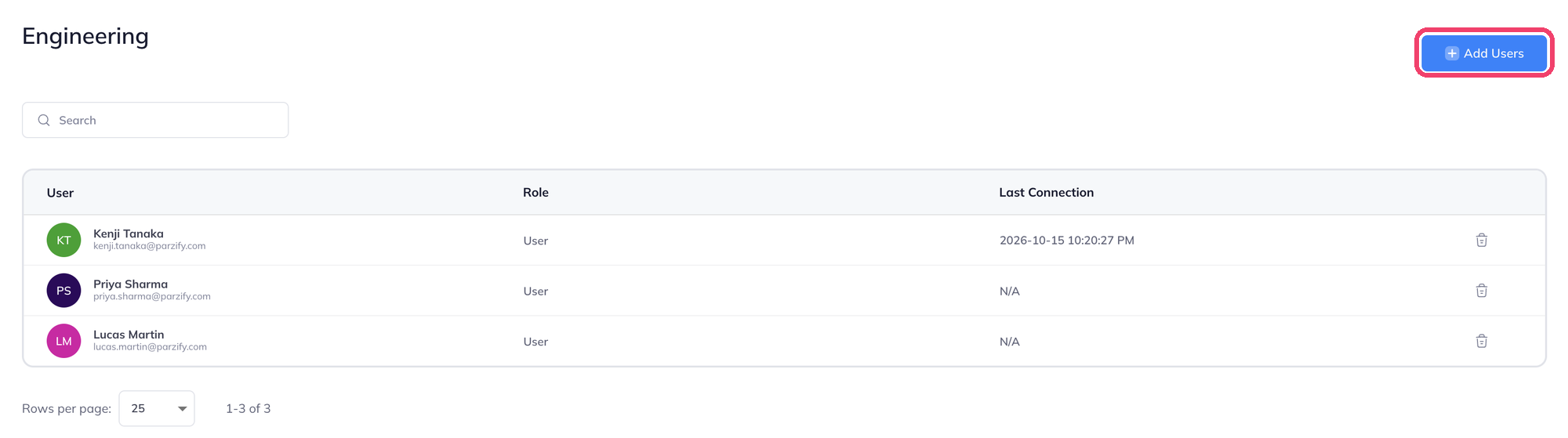
- Click a group's name to open it.
- Click Add Users, choose the users and confirm.
- To remove someone, click the trash icon at the end of their row.
Manage a group
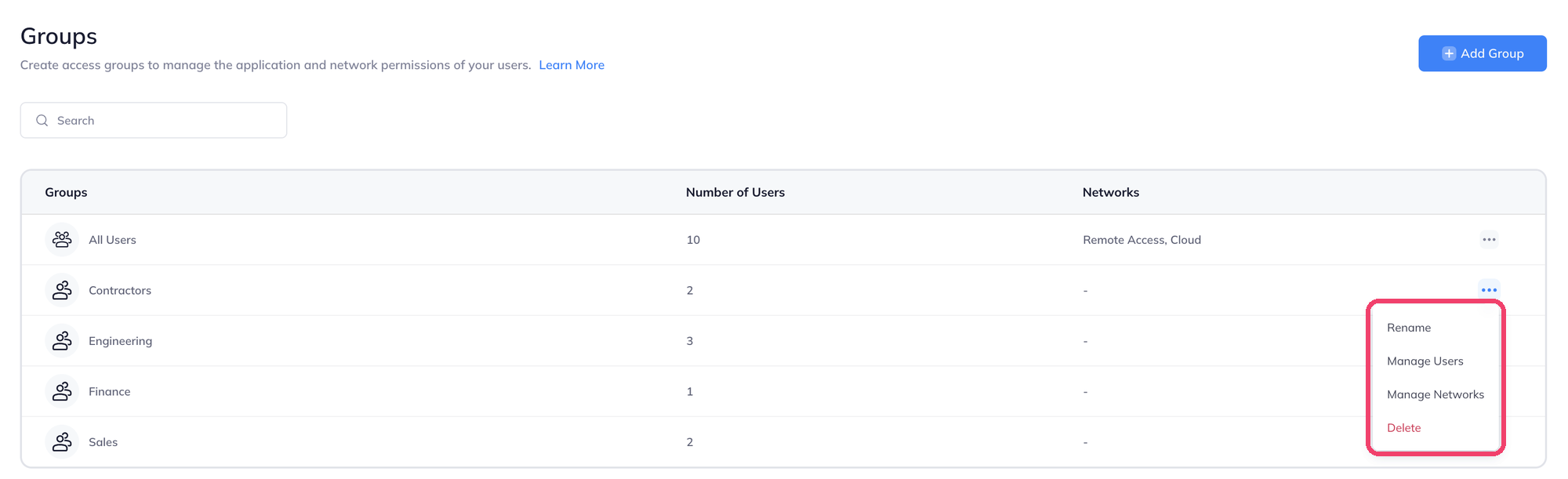
Click the ... menu at the end of a group's row.
| Action | What it does |
|---|---|
| Rename | Changes the group's name. |
| Manage Users | Opens the group's member list, the same as clicking its name. |
| Manage Networks | Chooses the networks the group's members can connect to. |
| Delete | Removes the group. |
Give a group access to networks
You can set this from either side. Both do the same thing.
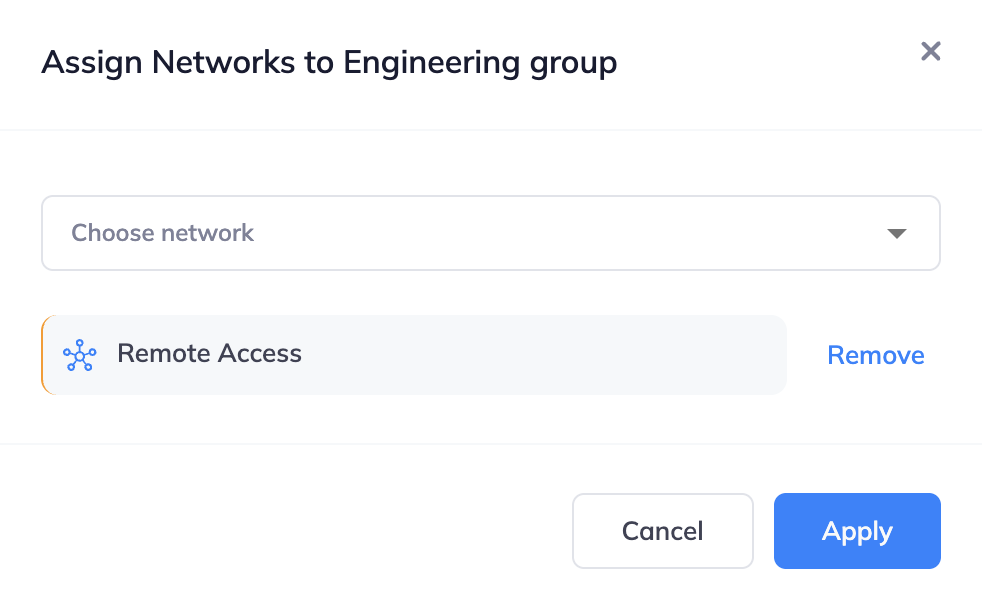
- From the group: in the group's ... menu, click Manage Networks. Choose a network in Choose network, repeat for more networks, then click Apply. To take access away, click Remove next to a network.
- From the network: on the Networks page, open the network's menu and click Manage Access.
The Networks column on the Groups page shows what each group can reach.
Where groups are used
| Where | What the group gets |
|---|---|
| Manage Networks here, or Networks → Manage Access | Members can connect to the network with the agent. |
| User profiles | Members get the profile's agent and web platform settings. |
| Applications | Members can open the application. |
| Posture check | Members' devices are checked by the profile. |